


Introduction
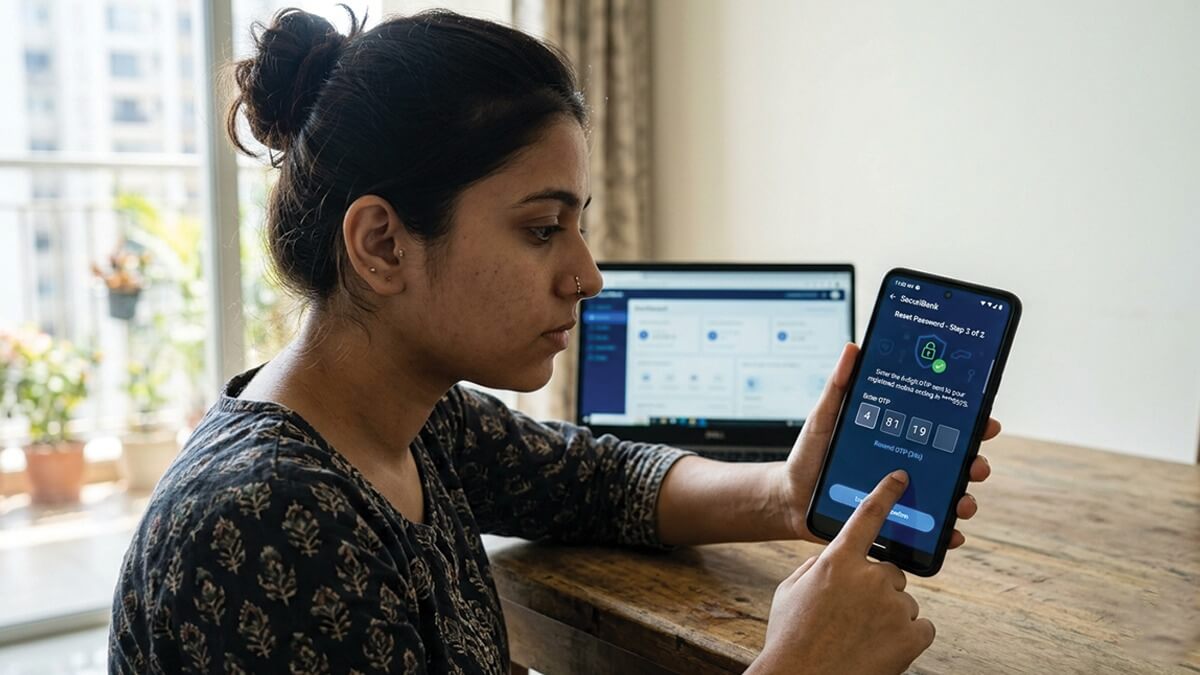
Imagine this: You’re ready to transfer funds or check your balance, but reset net banking password escapes you. Panic sets in—bills are due, and time is ticking. Don’t worry; resetting your net banking password is simpler than you think, even if you’re not tech-savvy.
In this guide, we’ll walk you through the entire process step by step. Whether you’re with SBI, HDFC, Axis, or another major bank, you’ll learn online methods using OTP or ATM details, plus offline options if needed. We’ll cover common pitfalls, security tips, and FAQs to keep you safe. By the end, you’ll be logged in securely, stress-free. Let’s dive in and reclaim your banking access today.
Why Resetting Net Banking Password Matters
Forgetting your net banking password happens to everyone—maybe it’s been ages since you logged in, or you updated it during a security scare. The good news? Banks have streamlined processes to help without endless calls.
Resetting promptly keeps your account secure. Delaying could expose you to risks if someone guesses your old details. Most resets take under 5 minutes online via your registered mobile or email. Always use a strong new password: mix uppercase, lowercase, numbers, and symbols (e.g., “Bank2026!Secure”). This boosts protection against hacks.
Pro tip: Enable two-factor authentication (2FA) post-reset for an extra layer—most banks prompt you automatically.
General Steps to Reset Net Banking Password Online
Most Indian banks follow a similar flow for online resets. Here’s a universal blueprint before we get bank-specific.
- Visit your bank’s official net banking portal (e.g., netbanking.bankname.com).
- Click “Login” then “Forgot Password” or “Reset IPIN.”
- Enter your Customer ID, Username, or Account Number.
- Verify via OTP sent to your registered mobile/email.
- Provide ATM card details or profile password if asked.
- Set a new password and confirm.
Keep your phone handy—OTPs expire fast. Use a secure browser like Chrome on a trusted device. Avoid public Wi-Fi to dodge phishing scams.
Resetting SBI Net Banking Password
State Bank of India (SBI) handles millions of users daily. Their YONO or retail portal reset is straightforward.
Step-by-Step for Online Reset
- Go to sbi.co.in and select “Personal Banking” > “YONO Login” or Retail Internet Banking.
- Click “Continue to Login,” then “Forgot Username/Login Password.”
- Choose “Forgot My Login Password” from the dropdown.
- Enter username, account number, DOB, mobile, and captcha.
- Submit to receive an OTP on your registered number.
- Confirm OTP, then pick “Using ATM Card Details” or “Profile Password.”
- Input details (e.g., card number, PIN) and submit.
- Get a reference number; click the return link.
- Enter and confirm your new password.
Done! Log in immediately. If no OTP, check spam or DND settings. Offline? Visit any SBI branch with ID proof—they’ll reset it same-day.
Actionable Tip: SBI limits 3 reset attempts daily. Exceed it? Wait 24 hours or use ATM.
Resetting HDFC Net Banking Password
HDFC’s process is mobile-friendly, ideal for quick fixes.
Detailed Online Guide
- Head to netbanking.hdfcbank.com.
- Input Customer ID and hit “Continue.”
- Select “Forgot Password/IPIN.”
- Re-enter Customer ID.
- Choose verification: OTP to mobile/email or OTP + debit card.
- Enter mobile and continue.
- Input OTP (and card details if selected).
- Create a new 14-digit IPIN (numeric only for HDFC).
- Confirm.
Your access restores instantly. Can’t access mobile? Use “Forgot Login Password” on the app or visit a branch/ATM.
Example: User “Raj” forgot his IPIN mid-salary credit. He used OTP + card details in 3 minutes—funds safe.
Resetting Password for Other Banks
Processes vary slightly but share OTP reliance.
Axis Bank
- Visit axisbank.com > Internet Banking > “Reset Password.”
- Enter Customer ID.
- Verify with OTP/debit card.
- Set new password.
PNB (Punjab National Bank)
- netbanking.pnbibanking.com > “Forgot Password.”
- Input User-ID and facility type (Login/Transaction).
- Validate with OTP and ATM credentials.
Canara Bank
- canarabank.com > Login > “Forgot Password.”
- Use registered details + OTP.
- Reset via link sent to mobile.
For ICICI or others, search “[Bank] net banking forgot password” on their site. Always bookmark the official URL.
Security Note: Banks never ask for full card details via email—beware fakes!
Offline Methods If Online Fails
Tech glitches? No mobile signal? Go old-school.
- Branch Visit: Carry Aadhaar/PAN, passbook. Fill reset form; get temp password emailed/mailed (1-2 days).
- ATM Reset: Some banks (SBI, HDFC) allow via debit card + OTP at ATM.
- Customer Care: Call toll-free (e.g., SBI 1800-11-2211). Provide DOB, account details for guidance.
These take longer but work without internet. Update contact info first via branch to avoid blocks.
Common Mistakes and How to Avoid Them
Beginners often trip up—here’s your cheat sheet.
| Mistake | Why It Happens | Fix |
| Wrong Portal | Phishing sites mimic banks | Double-check URL; use app bookmarks |
| OTP Not Received | DND or wrong number | Update mobile in passbook/branch; check spam |
| Weak New Password | Too simple | Use 10+ chars, no repeats (e.g., avoid “123456”) |
| Multiple Tries | Locks account | Wait 24 hrs; use alternate method |
| Sharing Details | Scam calls | Never share OTP/card PIN |
Bonus: Clear browser cache post-reset. Test login on incognito mode.
Top Security Tips Post-Reset
Resetting is step one—lock it down.
- Change passwords quarterly.
- Use a password manager like LastPass.
- Monitor transactions daily via app.
- Enable alerts for logins/transfers.
- Log out after every session.
Phishers target banking—verify emails end in @bankname.com.
FAQ
1. What if I don’t have my registered mobile for OTP?
Visit the branch with ID proof or use ATM/debit card option if available. Update mobile on-site for future ease. Some banks allow email OTP fallback.
2. How many times can I reset my net banking password?
Most banks permit 3-5 attempts daily. Exceeding triggers a 24-hour cool-off. Use offline methods if locked out—patience pays off.
3. Is net banking password same as ATM PIN?
No, they’re separate. Net banking uses alphanumeric passwords/IPINs; ATM is 4-digit numeric. Never reuse ATM PIN online for security. Reset independently if needed.
4. Can I reset without customer ID?
Rarely—most portals need it. Check statements or call support. Apps often show it under profile. Branches help without it via account number/PAN.
5. What if reset fails repeatedly?
Clear cache, try another device/browser. Contact helpline with reference number. Escalate to branch if unresolved—carry proofs. Banks aim for quick resolution.
6. Is it safe to reset on mobile data?
Yes, if HTTPS padlock shows and URL is official. Avoid public Wi-Fi. Banks encrypt data end-to-end. Post-reset, enable biometric login where possible.
7. How to change password after reset?
Login > Profile/Settings > “Change Password.” Enter old, set new twice. Do this monthly for hygiene. Banks prompt periodically too.
Conclusion
Resetting your net banking password doesn’t have to be a nightmare. From SBI’s detailed OTP flow to HDFC’s quick IPIN reset, these steps empower you to regain control fast—online or off. Remember: verify sites, use strong passwords, and enable 2FA for peace of mind.
Now, grab your phone and try it yourself. If stuck, your bank’s support is one call away. Share this guide with friends facing the same issue—secure banking starts with knowledge. What’s your go-to banking tip? Drop it in the comments!